COFFEE ON REPEAT
COFFEE ON YOUR SCHEDULE
Choose your Pulse and have it delivered on the schedule that works for you.
FIVE WAYS TO FIND YOUR RHYTHM
CHOOSE YOUR PULSE
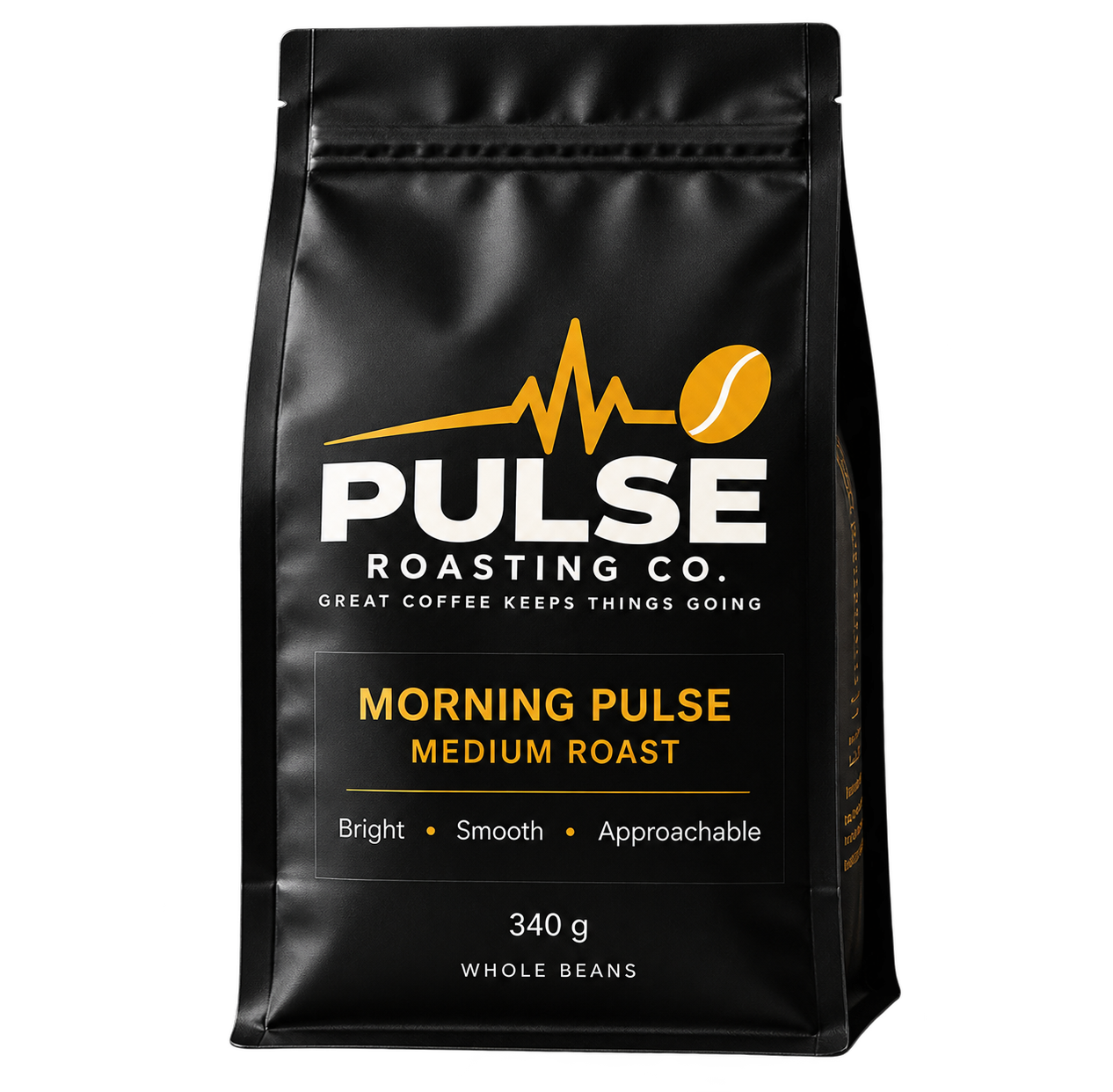
Morning Pulse
Medium Roast
CHECKING AVAILABILITY
Loading size...
Loading delivery options...
VIEW COFFEE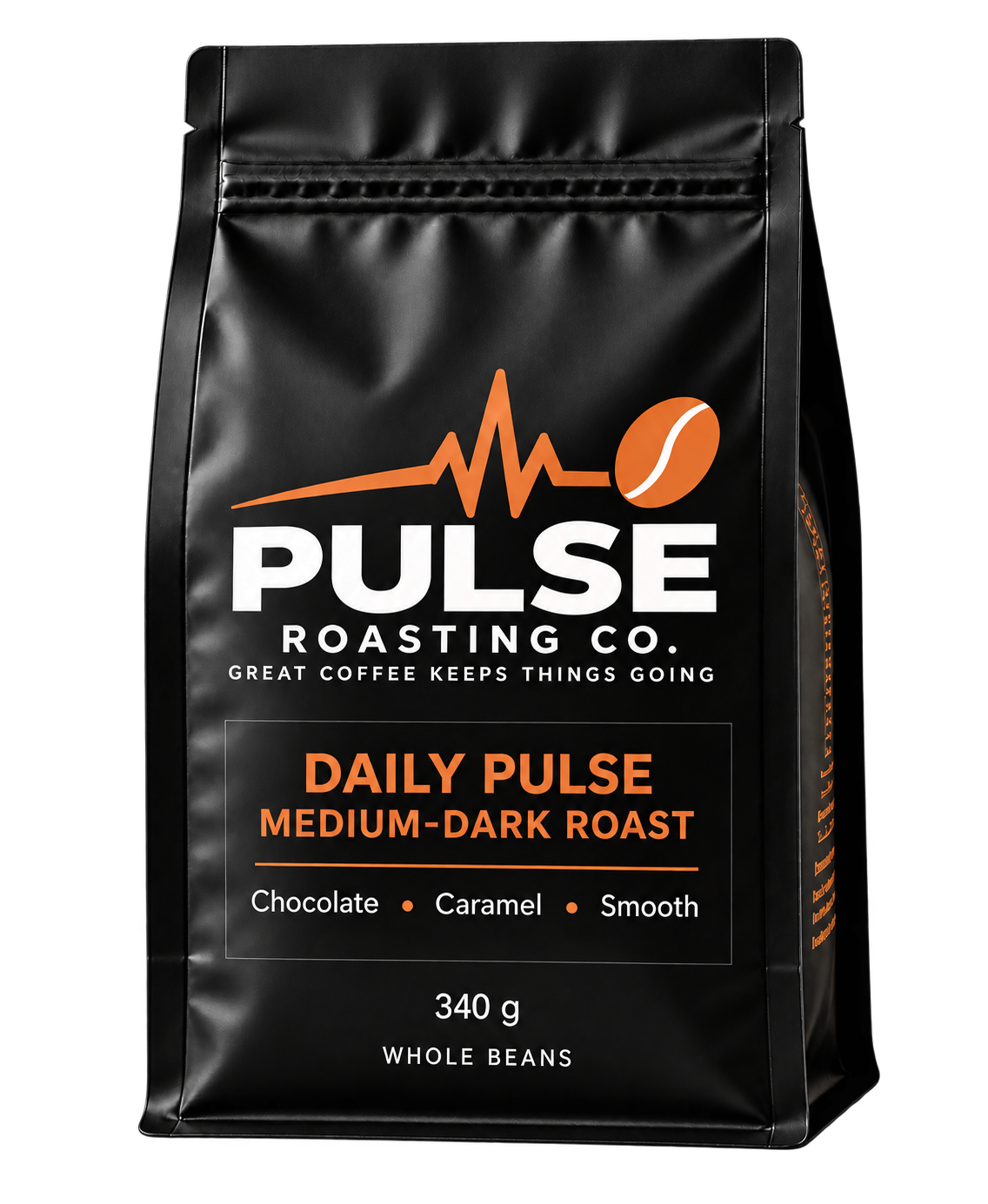
Daily Pulse
Medium-Dark Roast
CHECKING AVAILABILITY
Loading size...
Loading delivery options...
VIEW COFFEE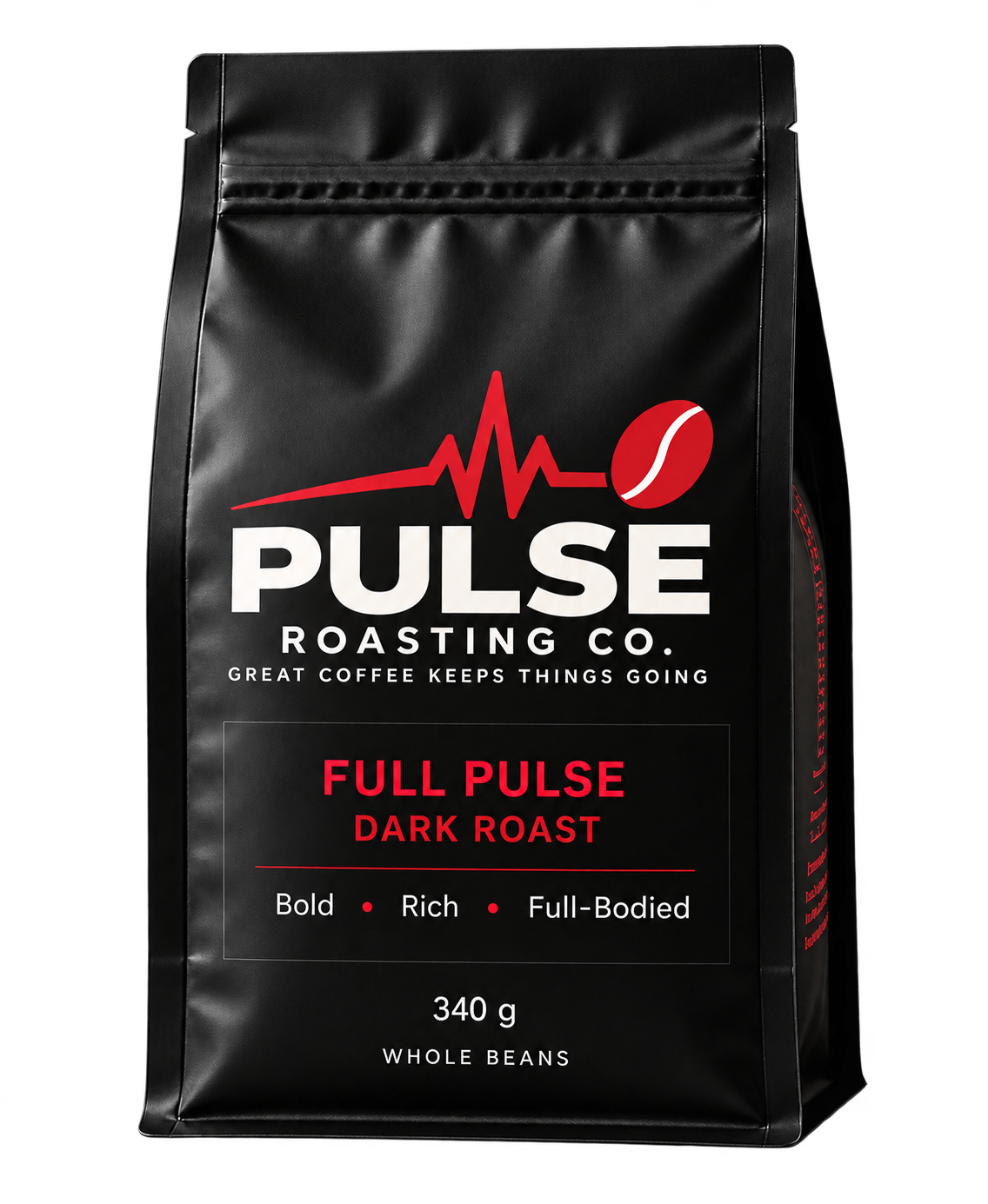
Full Pulse
Dark Roast
CHECKING AVAILABILITY
Loading size...
Loading delivery options...
VIEW COFFEE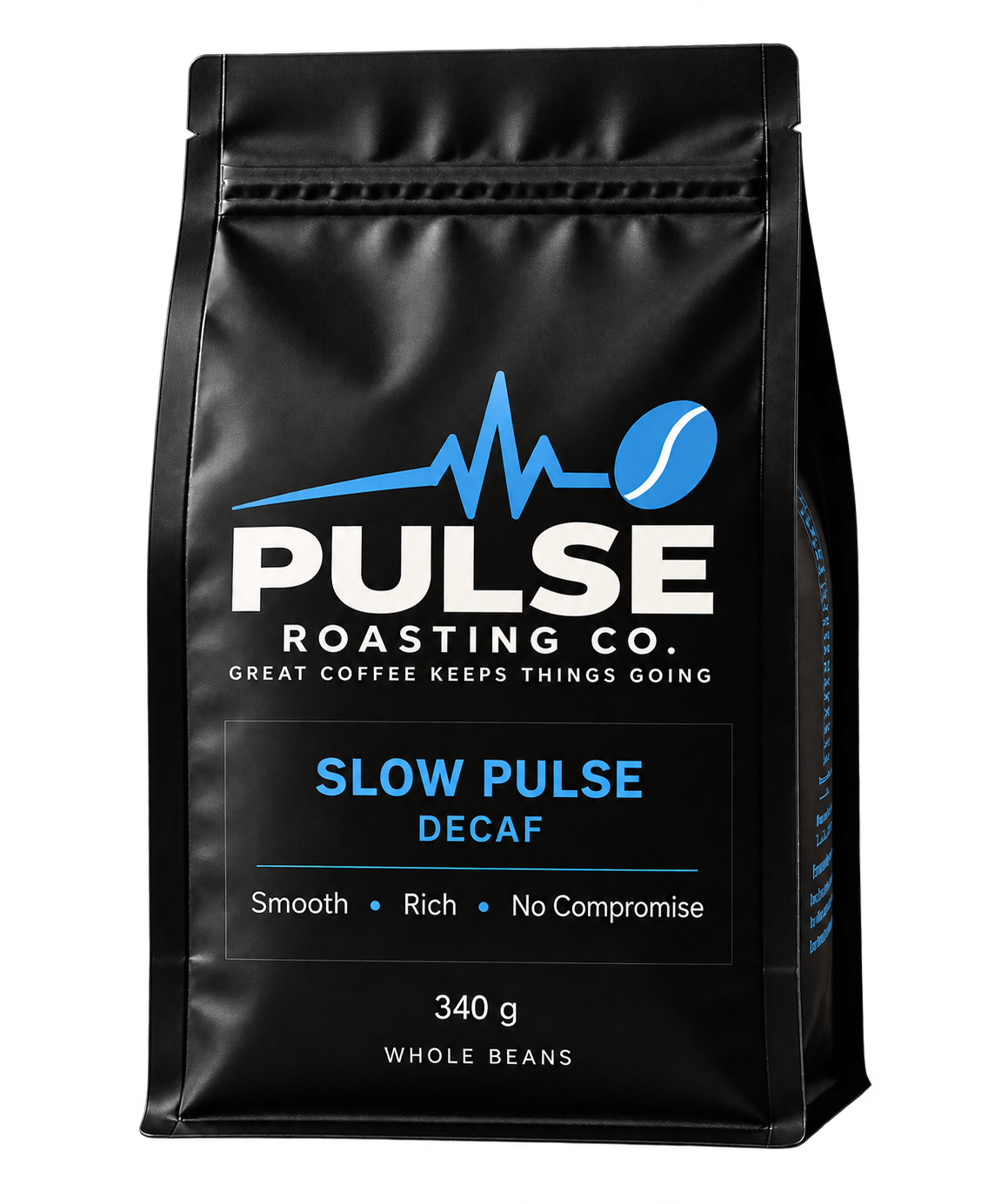
Slow Pulse
Decaf
CHECKING AVAILABILITY
Loading size...
Loading delivery options...
VIEW COFFEE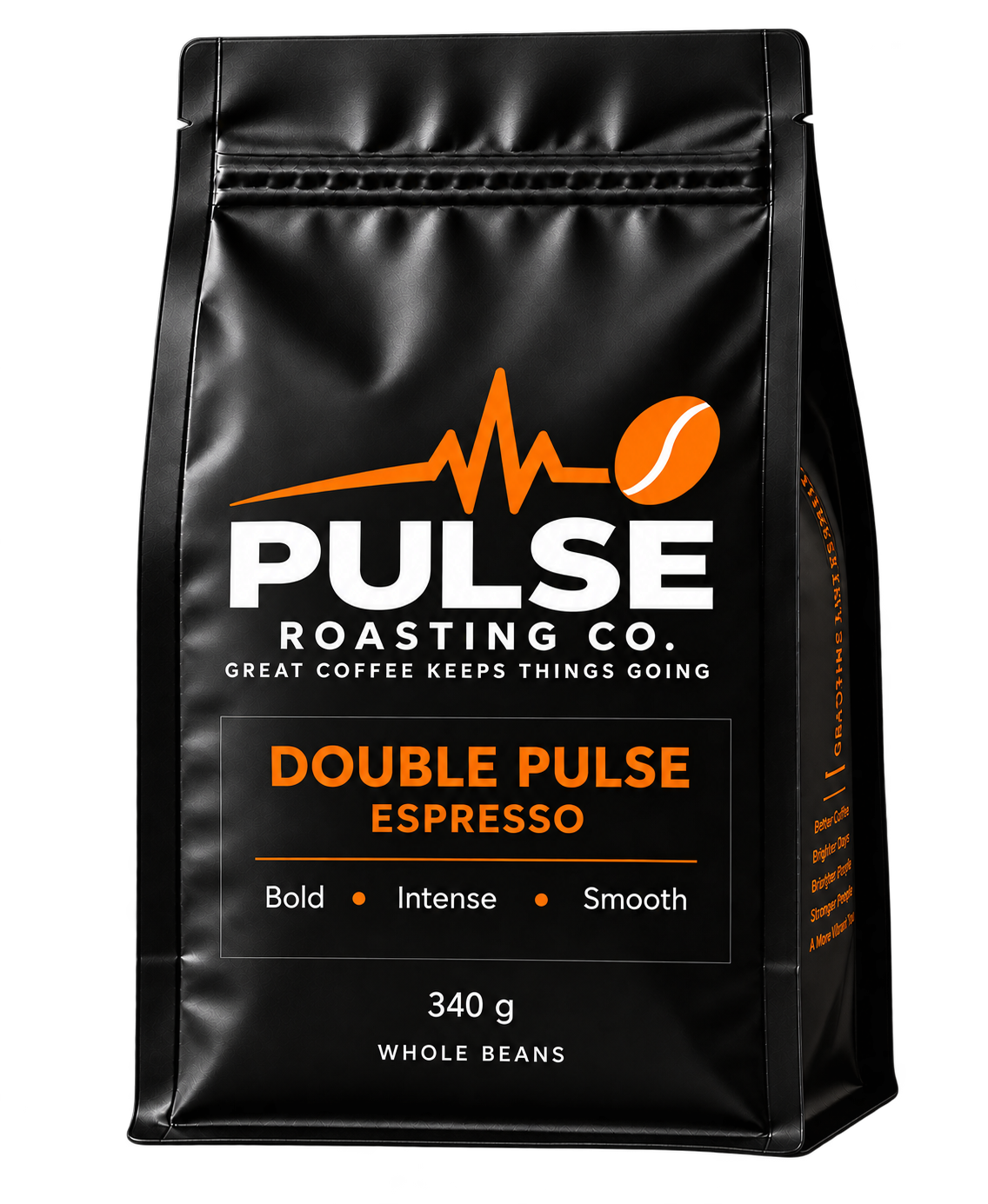
Double Pulse
Espresso
CHECKING AVAILABILITY
Loading size...
Loading delivery options...
VIEW COFFEE
YOUR CUSTOMER ACCOUNT
ALREADY SUBSCRIBED?
Manage your deliveries, billing, and subscription settings through your Pulse customer account.
Loading account access...
SUBSCRIPTION QUESTIONS?
YOUR COFFEE, YOUR ACCOUNT
Do you offer coffee subscriptions?
Subscriptions are offered on coffees with an eligible Shopify selling plan. Subscribe & Save 10% saves 10% on every subscription order under an eligible 10% plan, not just the first order. Available plans, prices and delivery schedules depend on your selected coffee and size; your selected plan price and discount are confirmed at checkout. Coffees without an eligible plan do not offer a subscription purchase option.
How often can I receive coffee?
Choose from the delivery schedules available for your selected coffee and size. Orders recur at your selected interval until you cancel future orders. Frequencies and pricing come from the Shopify subscription plans offered with that coffee.
How do I manage my subscription?
Use your Pulse customer account or the Manage your subscription link in your subscription emails to view and manage your subscription. Available controls depend on your subscription and the options enabled in Shopify Subscriptions.
Can I pause or skip a delivery?
When customer self-service is enabled, your customer account supports skipping an upcoming order and pausing or resuming a subscription. Available options depend on the settings enabled in Shopify Subscriptions. Make changes before the next order is processed. Skips and pauses apply to future orders; processed orders remain subject to the normal Return & Refund Policy.
Can I cancel my subscription?
Subscriptions may be cancelled at any time for future orders. To prevent the next recurring order from being processed, cancellation must be completed before that order is processed. Once a recurring order has already been processed and paid, cancelling the subscription does not cancel that order. Cancellation stops future recurring orders and future recurring charges. There is no minimum subscription commitment, cancellation fee or repayment of subscription discounts. Processed orders remain subject to the normal Return & Refund Policy.
READ SUBSCRIPTION CANCELLATION POLICYDo I need a password?
No. Shopify customer accounts use a one-time 6-digit code sent to your email address to sign in. Pulse does not collect or store a password.
How do I update my payment method?
Sign in to your customer account and open your subscription to manage its payment method using the options available in Shopify. Payment information is handled by Shopify, not stored on the Pulse website.